Getting Started
To copy the code, just select the text and copy, then paste it in the procedure area.
Forward, Right, Arc, and Repeat
You make images in ArtLogo by combining commands into procedures. Sometimes one procedure, sometimes more. This section shows some simple programs and the images that they produce.
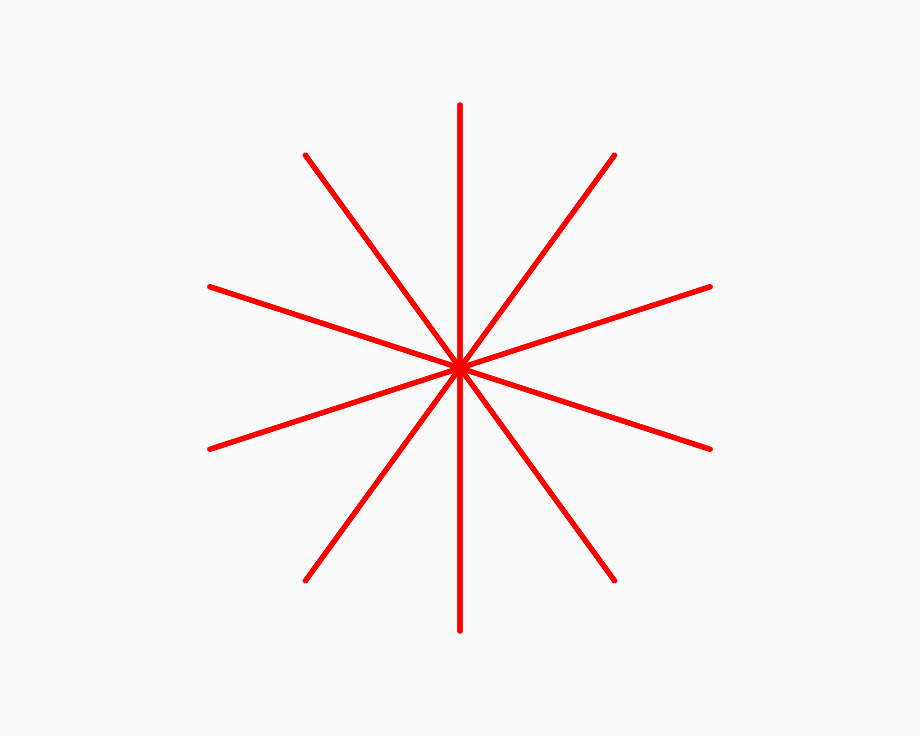
repeat 10
[fd 200
bk 200
rt 36]
end
forward 200 draws a line. back 200 retraces that line and brings you back to the starting point.
Repeat the line 10 times with right 36 in between.
This makes a star with the lines evenly spaced. The total amount of turning is 10*36=360 degrees,
the number of degrees in a circle.
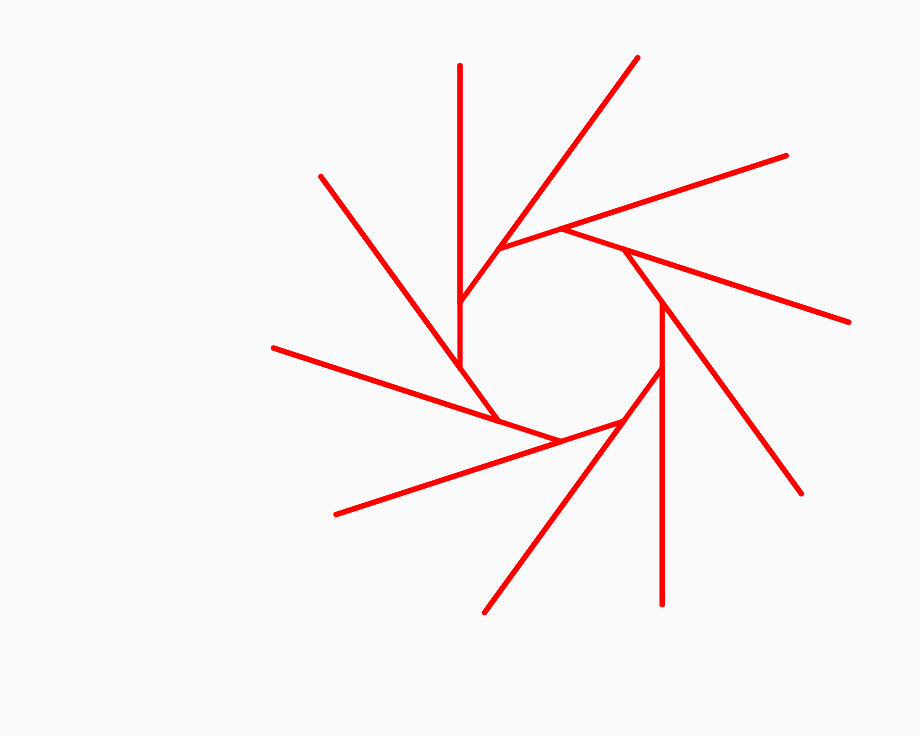
repeat 10
[fd 250
bk 200
rt 36]
end
forward 250 draws a line. back 200 retraces most of it. The Turtle doesn't quite get back to its starting point. Each line starts at a different position than the previous one.
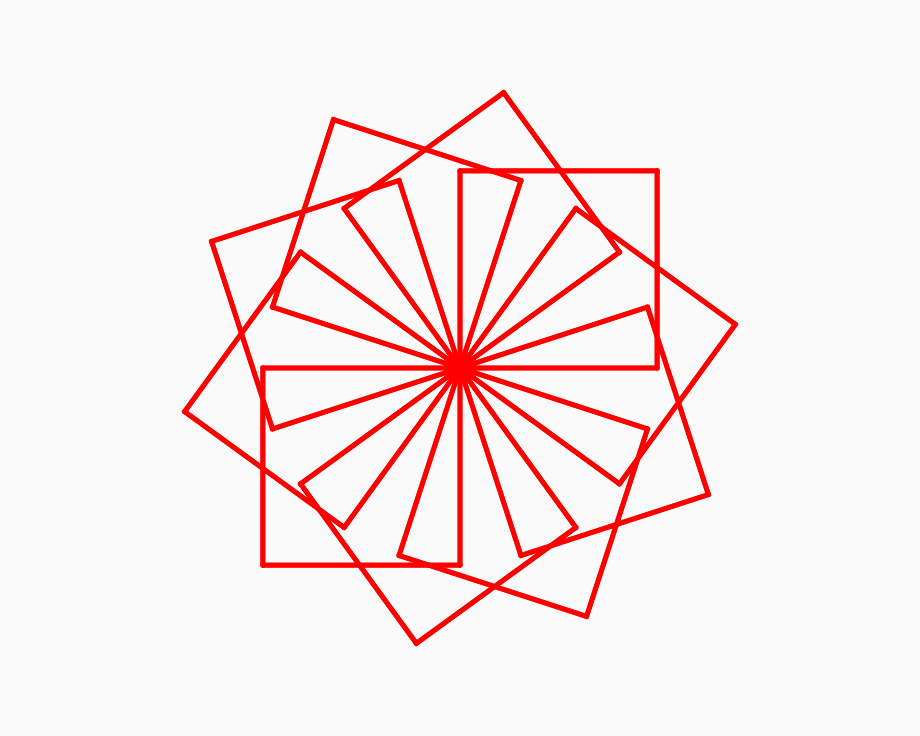
repeat 10
[square
rt 36]
end
to square
repeat 4
[fd 150
rt 90]
end
You can make procedures that use other procedures. Once you give a name to a group of commands, like square, you can use that word in another procedure. In this sample, the square procedure is used in the procedure go. The procedure go runs square 10 times.
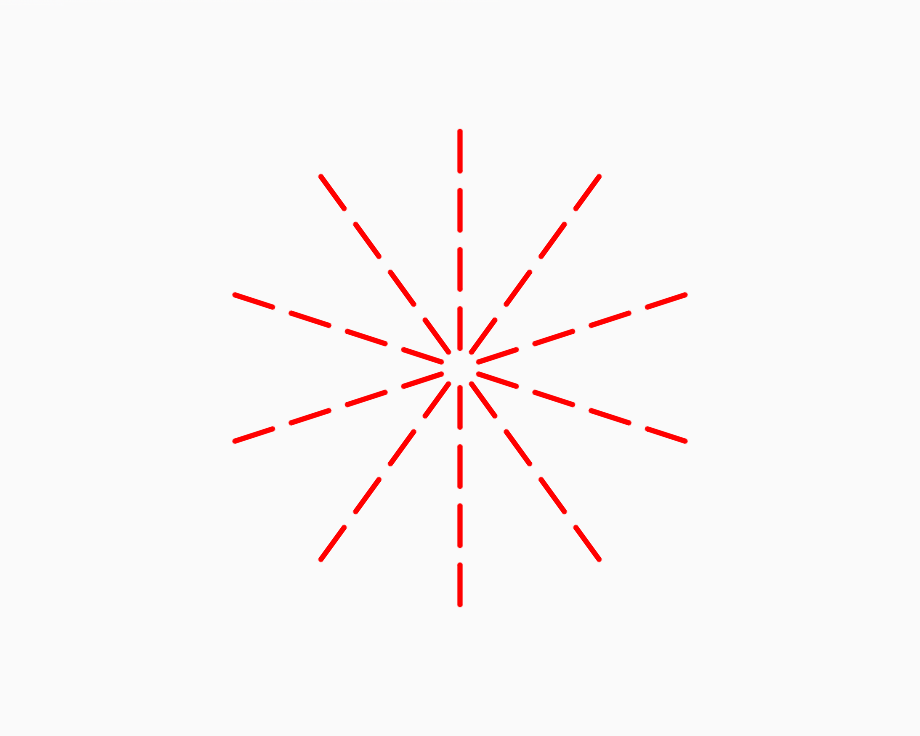
repeat 10
[setxy 0 0
dashes
rt 36]
end
to dashes
repeat 3
[pu
fd 20
pd
fd 40]
end
You can make dashed lines with pen up and pen down.
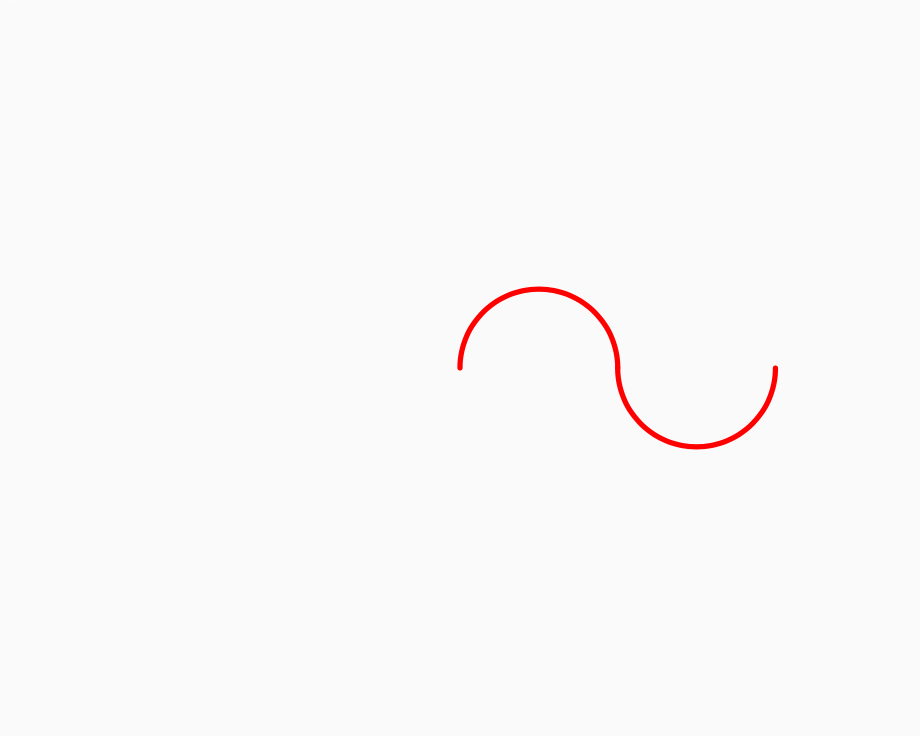
clean
arc 180 60
arc -180 60
end
An arc is a part of a circle. There are two inputs to the arc block: radius and angle.
The radius is the size of the circle. The angle is how much of the circle to draw. An angle of 360 draws the whole circle.
/p>
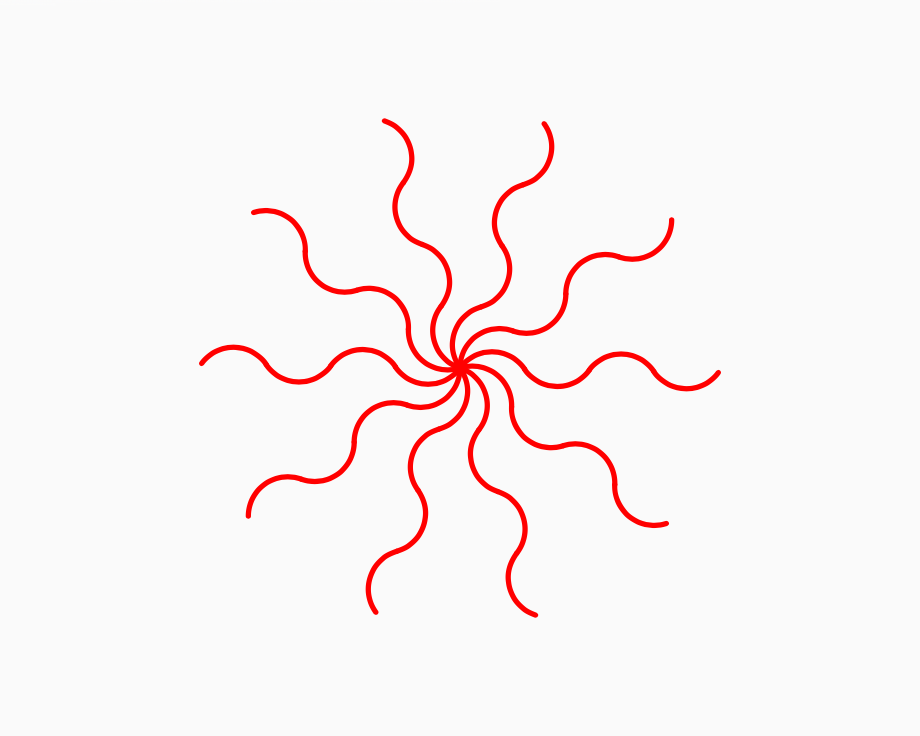
repeat 10
[setxy 0 0
wave
rt 36]
end
to wave
repeat 2
[arc 110 40
arc -110 40]
end
Once you have an interesting element you can "spin" the element with a repeat and a right. In this case, the element is a double wave with each of the waves made with two arc blocks.
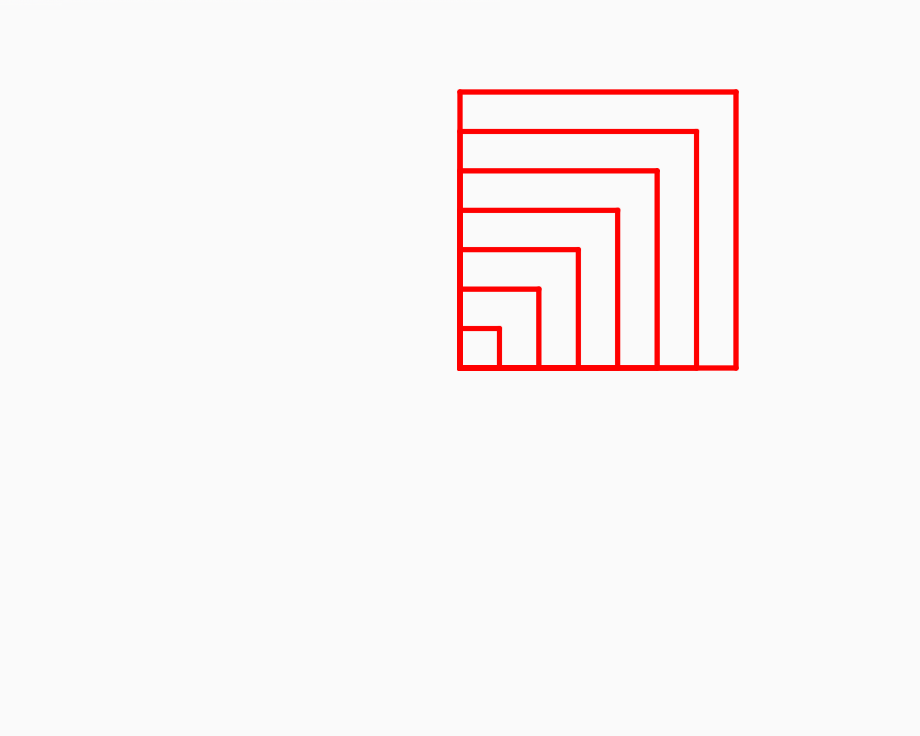
clean
storeinbox1 0
repeat 9
[square box1
storeinbox1 box1 + 10]
end
to square
repeat 4
[fd box1
rt 90]
end
storeinbox1 lets you save a number. box1 recalls that number. You can use the boxes to make images that have repetiton with variation.
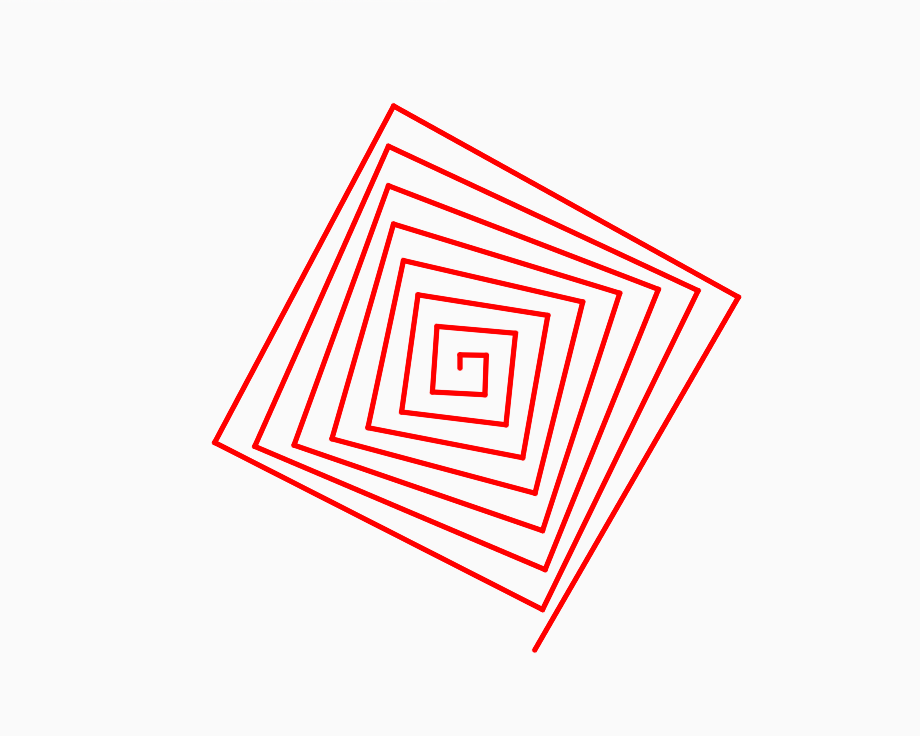
clean
storeinbox1 10
repeat 35
[fd box1
rt 91
storeinbox1 box1 + 10]
end
Boxes can be used to create a succession of lines of increasing length. Put an angle between these lines and you get a square spiral.

clean
repeat 10
[fd 100
triangle
bk 100
rt 36]
end
to triangle
startfill
repeat 3 [fd 135 rt 120]
endfill
end
You can fill areas with startfill and endfill. The blocks between startfill and endfill define the area to be filled.

clean
setxy -220 200
setps 30
repeat 40
[setxy (random2 -3 3) * 50
(random2 -2 3) * 50
fd 0]
end
Some randomness and some arithmetic lets you position elements. The element here is a dot made by forward 0.